Most engineering teams don’t fail because they lack ideas. They fail because they test those ideas too late. A design that looks perfect on paper cracks under real-world stress, overheats during peak loads, or vibrates at a frequency nobody predicted. By the time physical prototypes catch these issues, thousands of dollars are already gone.
That’s where SIEMENS Simcenter changes things.
What Is SIEMENS Simcenter and Why Should You Care?
SIEMENS Simcenter is a simulation and testing platform for engineers who need answers before they build. Structural analysis, thermal testing, acoustics, fluid dynamics, motion simulation, all under one roof. Your team works in a single environment where data flows from one analysis to the next.
When thermal data feeds directly into a structural test without manual re-entry, you catch problems that slip through siloed workflows. We’ve seen clients shave weeks off timelines because they stopped losing data between tools.
How Siemens Simcenter 3D Handles Complex Engineering Problems
If your product has moving parts, heat sources, fluid paths, or acoustic requirements, you’re dealing with multiphysics. And that’s where most standalone simulation tools hit a wall.
Siemens Simcenter 3D is purpose-built for this. It handles structural mechanics, thermal transfer, acoustics, and fluid flow within a single modelling environment. The real advantage? These physics domains talk to each other during simulation, not after. A temperature increase in one component alters the stiffness in the adjacent part, in real time.
For automotive and aerospace teams, this is a big deal. A brake assembly doesn’t just experience mechanical load. It heats up, vibrates, and faces variable airflow all at once. Simcenter 3D models that simultaneously.
Geometry Handling in Siemens Simcenter 3D
Engineers know the pain of importing CAD geometry and spending hours cleaning it up. Simcenter 3D integrates tightly with SIEMENS NX for clean transfers, and its meshing tools handle real-world files from third-party CAD systems too. That saved time goes straight into running more design iterations.
Building a Digital Twin with SIEMENS Simcenter
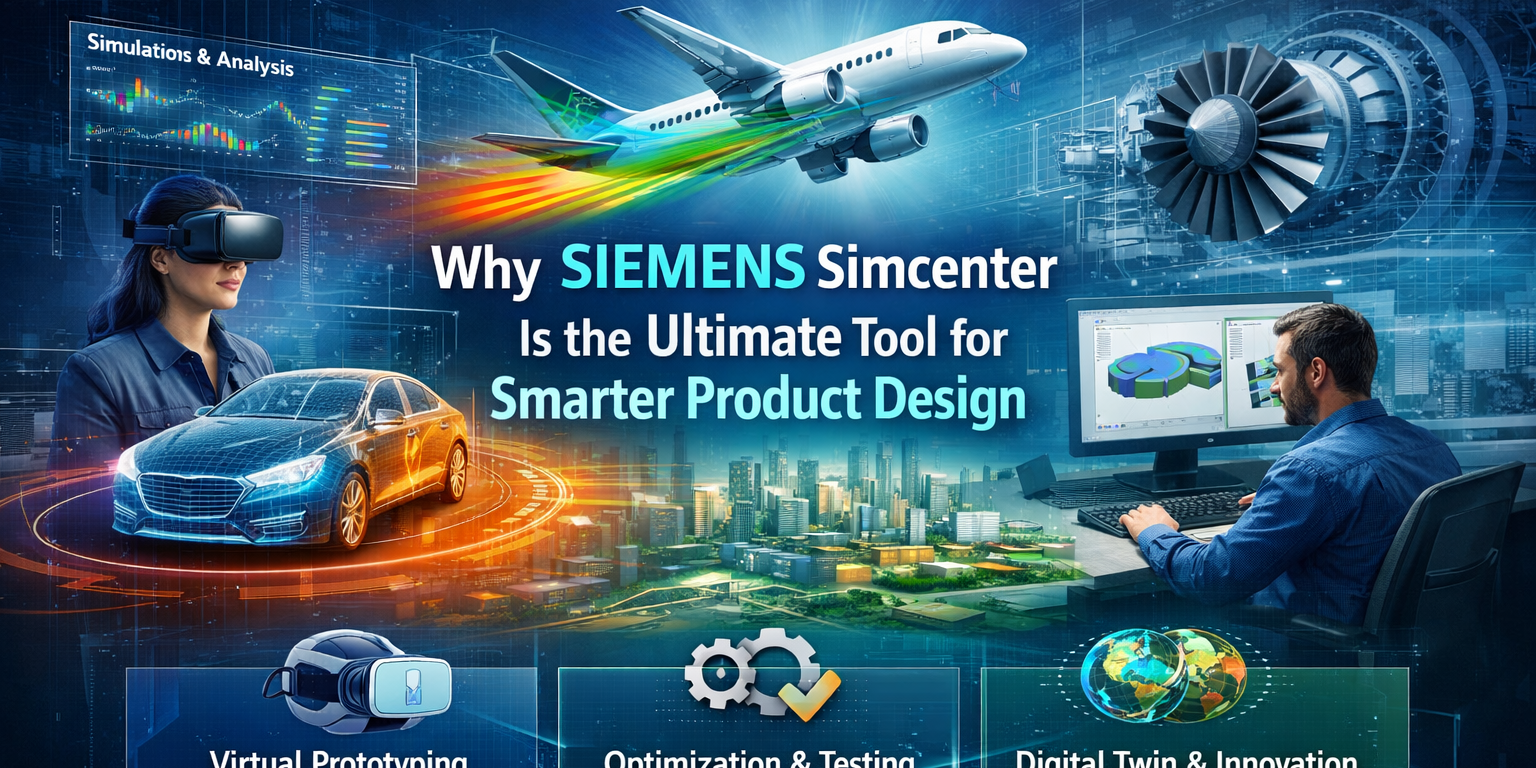
The digital twin concept gets thrown around a lot, but SIEMENS Simcenter is one of the few platforms where it works in practice. By combining simulation data with real-world test measurements, Simcenter builds a virtual model that mirrors your physical product’s behavior.
This isn’t just about validation. It’s about prediction. And that’s where the ROI really shows up.
Once calibrated with real test data, your digital twin predicts performance under conditions you haven’t tested yet. New environments, higher loads, extended service life. No extra prototypes needed.
For companies designing products with long service lives (turbines, industrial equipment, vehicles), this reduces both development cost and warranty risk.
Where SIEMENS Simcenter Fits in the Product Design Lifecycle
Simulation used to be a verification step that happened after design decisions were made. SIEMENS Simcenter pushes simulation to the front. Engineers evaluate alternatives in the concept phase, before detailed design even starts.
The payoff is straightforward. Early decisions are cheap to change. Late decisions aren’t. Simcenter helps you make the right calls when the cost of change is still low.
Combined with SIEMENS NX for design and SIEMENS Teamcenter for data management, Simcenter becomes part of a connected workflow where every team works from the same source of truth.
Why We Recommend SIEMENS Simcenter to Our Clients
At CJ Tech, we’ve been an authorized Siemens PLM channel partner long enough to see which tools deliver for engineering teams and which ones just look good in demos. SIEMENS Simcenter falls into the first category.
Our clients across automotive, aerospace, and industrial machinery rely on Simcenter because it solves real problems: fewer late-stage design changes, fewer prototypes, and faster time to market. We provide implementation support, training, and technical guidance to make sure your team gets full value.
If you’re evaluating simulation tools, reach out to us at CJ Tech. We’ll walk you through how SIEMENS Simcenter fits your workflow.
Frequently Asked Questions About SIEMENS Simcenter
What types of simulation does SIEMENS Simcenter support?
SIEMENS Simcenter covers structural analysis, thermal simulation, CFD, acoustics, motion simulation, and multiphysics coupling, across both 1D system and full 3D modelling.
Is Siemens Simcenter 3D suitable for small and mid-sized companies?
It is. You don’t have to buy the whole suite on day one. Licensing is modular, so most of our smaller clients pick up the specific simulation capabilities they need right now and add more as projects demand it.
Can Siemens Simcenter Femap work with solvers other than NX Nastran?
Yes, and that’s one of the reasons teams stick with it. Femap works with NX Nastran, ANSYS, Abaqus, LS-DYNA, among others. You’re not locked into one solver if your project requirements change down the line.
How does SIEMENS Simcenter help reduce prototype costs?
Running virtual tests across multiple physics domains before building prototypes means teams catch issues earlier. This typically cuts prototype cycles by 30 to 50 percent.
Where can we get SIEMENS Simcenter in India?
CJ Tech is an authorized Siemens PLM channel partner in India. We offer sales, implementation, training, and support for the SIEMENS Simcenter portfolio.