
Real products don’t fail for one reason. A motor housing heats up, the metal expands, vibration picks up, and airflow changes. If you test each effect on its own, you can miss the interaction that causes the problem.
That’s the gap Altair SimLab fills. It lets you set up and run several types of analysis in one environment, without jumping between disconnected tools. Below, we explain what it does, where it fits, and whether it suits your team.
What Is Altair SimLab Software?
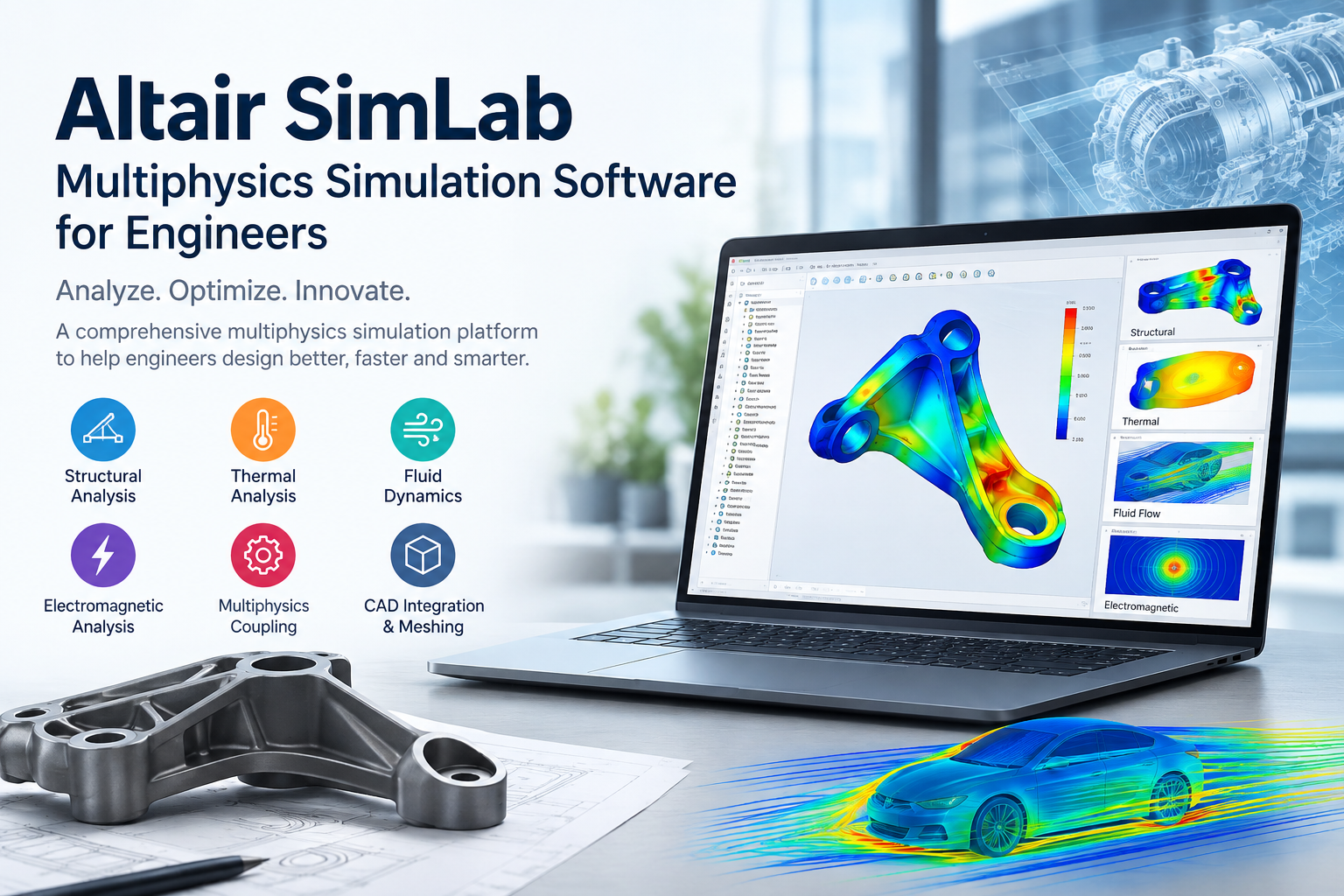
Altair SimLab software is a process-oriented, multiphysics platform built for design engineers and analysts. It works directly with CAD geometry, guides you through meshing and setup, and links structural, thermal, fluid, and electromagnetic analysis in a single workflow.
The main idea is that you shouldn’t need to be a full-time solver specialist to get reliable answers. Once someone builds a workflow, others can reuse it on new designs. Your simulation knowledge stays with your team instead of leaving with one person.
Altair SimLab Features That Matter Day to Day
Here are the Altair SimLab features engineers use most:
- Direct CAD handling: Import geometry from common CAD formats, then clean up, defeature, and edit it without a long translation step.
- Automated meshing: Generate tetrahedral, hexahedral, and mixed meshes with controls for local refinement where stresses or gradients are high.
- Workflow templates: Capture your setup steps once and reapply them to new variants. This is the biggest time-saver on repeat analyses.
- Connections and joints: Model bolts, welds, contacts, and bonded regions with dedicated tools rather than hand-building them.
- Coupled physics: Pass results from one analysis to the next, for example thermal loads into a structural study.
- Parametric studies: Change dimensions or loads and compare results across design options.
- Post-processing: Review contours, plots, and reports inside the same interface.
Solver support depends on your license and configuration, so it’s worth confirming before you commit.
SimLab Multiphysics Simulation: How It Works
SimLab multiphysics simulation follows a clear sequence. A typical run looks like this:
- Import and prepare the CAD model.
- Mesh the parts and define materials.
- Apply loads, constraints, and thermal or flow conditions.
- Run the first analysis, such as heat transfer.
- Feed those results into the next one, such as thermal stress.
- Review results and adjust the design.
A quick example: Picture an EV battery pack. Cells generate heat during fast charging. That heat changes temperatures across the enclosure, which shifts stresses in brackets and seals. With a coupled approach, you see the temperature field first, then check what it does to the structure. You catch the hot spot and the resulting stress in one study instead of two separate ones.
Altair SimLab Applications Across Industries
Altair SimLab applications cover a wide range of products:
| Industry | Typical use |
| Automotive | Battery pack thermal-structural checks, brake and exhaust heat, NVH studies |
| Aerospace | Bracket and panel stress, thermal loads on components |
| Electronics | Heat dissipation in enclosures, board and housing durability |
| Industrial machinery | Pump, valve, and gearbox housings under pressure and heat |
| Energy | Pressure vessels, heat exchangers, transformer components |
| Consumer products | Drop, vibration, and thermal behavior of housings |
If your product has moving parts, heat, fluid, or electrical load, there’s likely a study that fits.
Why Choose Altair SimLab for Engineers?
Altair SimLab for engineers works well when you want dependable answers without a steep learning curve. Here’s what you gain:
- Faster setup: Templates and automation cut the repetitive work.
- Fewer handoffs: Design engineers can run their own checks and send analysts only the hard problems.
- More consistent results: A shared workflow means everyone builds models the same way.
- Earlier decisions: You spot issues before prototypes, when changes cost far less.
- One environment: Less time exporting, importing, and reconciling files.
For a growing team, that consistency matters as much as speed.
Where SimLab Fits in Your Simulation Toolkit
SimLab isn’t meant to replace every specialist tool. If you run very deep, research-level CFD or high-frequency electromagnetics, you may still want a dedicated solver. Where SimLab shines is the middle ground: everyday product design, where you need several physics working together and a process you can repeat.
Many teams use it as their main SimLab engineering simulation platform and bring in specialist tools for edge cases. That mix keeps costs sensible and avoids overbuilding.
Getting Started with Altair SimLab Simulation Software
New users usually get productive quickly if they start small:
- Pick one recurring analysis: Choose something you run often, like a thermal check on a housing.
- Build the template first: Take your time here. It pays back on every later project.
- Validate against known results: Compare against test data or a past study before you trust new outputs.
- Expand gradually: Add coupled physics once the basics feel comfortable.
This is also where the right guidance helps. Picking the correct license, solver mix, and training path saves months of trial and error.
How CJ Tech Can Help
At CJ Tech, we work with engineering teams that want to bring simulation into their design process without slowing projects down. We can help you:
- Assess whether Altair SimLab simulation software fits your products and workflow
- Choose the right licensing and solver setup for your budget
- Train your engineers on real examples from your own industry
- Build starter templates so your first studies run smoothly
- Support you as your needs grow
If you’d like to talk through your project, get in touch with us and we’ll point you to the right next step.
Frequently Asked Questions
What is Altair SimLab used for?
It’s used to simulate how a product behaves under combined structural, thermal, fluid, and electromagnetic conditions, using one connected workflow.
Is SimLab suitable for beginners?
Yes. Its guided, template-based approach makes it more approachable than many traditional simulation tools, though basic engineering knowledge still helps.
Can I run more than one physics in a single study?
Yes. You can couple analyses so the output of one becomes the input of the next, such as heat feeding into stress.
Does SimLab work with CAD models?
Yes. It imports common CAD formats and includes tools for cleanup and defeaturing.
How do I choose the right setup?
Start with the analyses you run most, then match solvers and licenses to them. We’re happy to help you map that out.
Final Thoughts
If your designs deal with heat, load, vibration, or flow at the same time, testing each effect separately only tells part of the story. Altair SimLab gives you a practical way to see them together, reuse what you build, and make design calls with more confidence.