
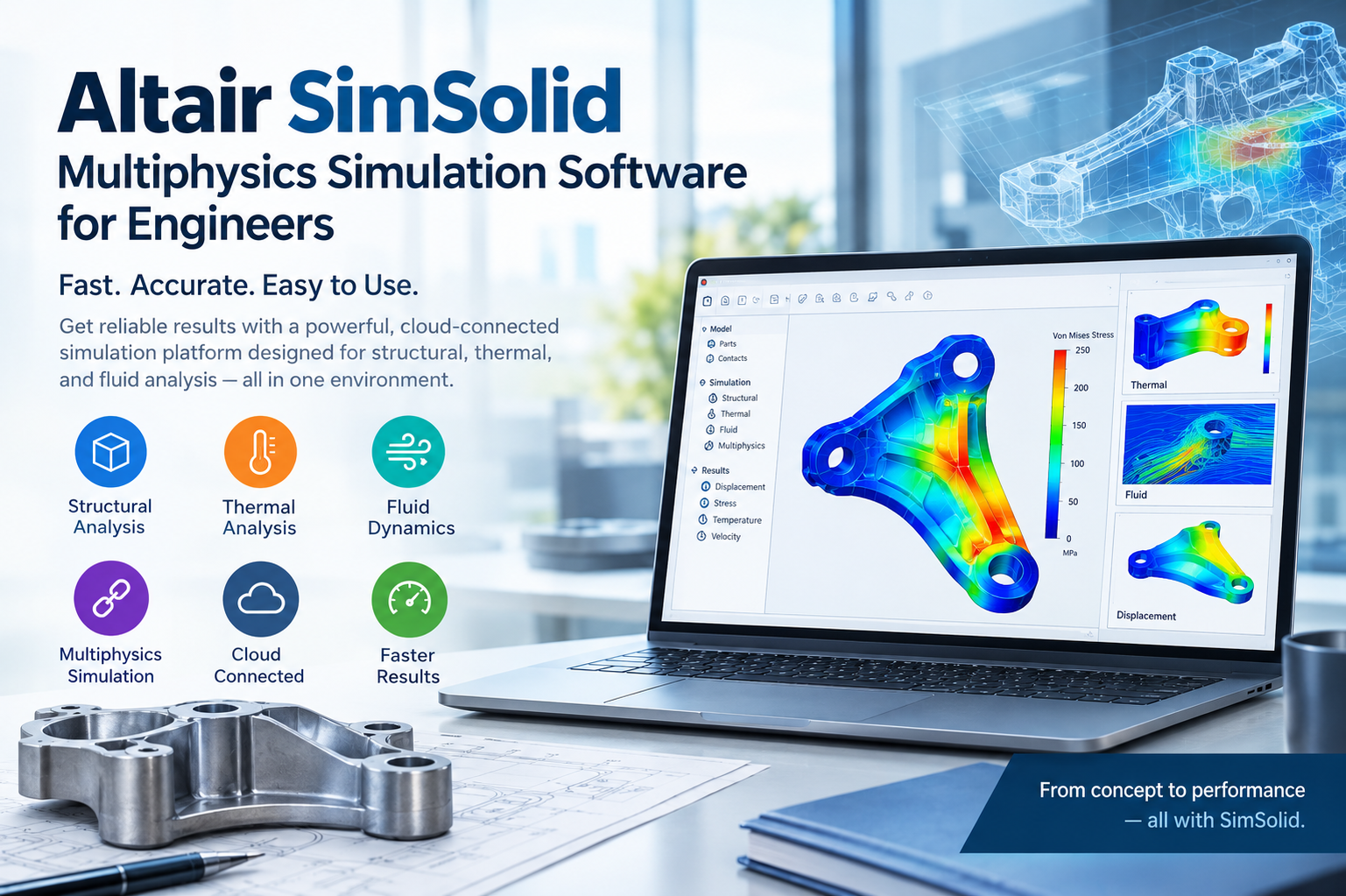
When you receive a new CAD model, you often spend hours cleaning up the geometry, simplifying small features, and building a mesh before you can run a single analysis, and by the time the results arrive, the design may have already changed.
Altair SimSolid takes a different route by skipping meshing altogether and running structural analysis directly on your CAD geometry. Below, we explain how it works, what you can do with it, and where it fits in your workflow.
What Is Altair SimSolid Software?
Altair SimSolid software is a structural simulation tool built for design engineers and analysts who need fast answers on real, complex geometry. It is a meshless simulation software package. You import a CAD assembly, apply loads and constraints, and solve without any geometry simplification or mesh generation.
It handles parts and full assemblies, including models with hundreds of components, fasteners, and small features that would slow down a traditional workflow.
How Meshless Structural Simulation Works
In classical SimSolid finite element analysis workflows, you break the geometry into thousands or millions of small elements. The quality of that mesh directly affects both accuracy and solve time, so poor elements can lead to unreliable results.
SimSolid uses a different mathematical approach. Instead of small mesh elements, it works with the actual CAD geometry using higher-order functions and adaptive refinement. The solver refines the solution automatically until results converge.
Here is what that means for you:
- No meshing step: You skip the most time-consuming part of setup.
- No defeaturing: Small holes, fillets, and fasteners stay in the model.
- Less mesh-related error: You avoid problems like distorted elements or poor transitions.
- Assembly-ready: Contacts between parts are handled directly.
Results are typically compared against traditional methods during validation, and we suggest you do the same on your first few projects.
Altair SimSolid Features Worth Knowing
These are the Altair SimSolid features you will use most often:
- Direct CAD import: Bring in geometry from major CAD formats, including full assemblies.
- Automatic contact detection: Connections between parts are identified for you, with options to adjust them.
- Fastener and connection tools: Model bolts, welds, and bonded joints without building them by hand.
- Multiple analysis types: Linear static, modal, thermal, nonlinear contact, and other studies, depending on your license.
- Fast solve times: Many studies finish in minutes, so you can test several design options in one afternoon.
- Parametric and what-if studies: Change loads, materials, or geometry and compare results side by side.
- Reporting: Create clear result summaries you can share with colleagues and managers.
Available analysis types vary by version and license, so confirm the details before you buy.
Altair SimSolid Applications by Industry
Altair SimSolid applications reach across many product types:
| Industry | Typical use |
| Automotive | Chassis brackets, suspension parts, and body-in-white stiffness |
| Aerospace | Fitting and bracket strength, assembly load paths |
| Heavy machinery | Frames, booms, and welded structures |
| Industrial equipment | Pressure-bearing housings, gearbox casings, support structures |
| Consumer products | Housings, hinges, and load-bearing enclosures |
| Castings and forgings | Stress checks on complex, organic shapes |
A quick example: Say you design a welded steel frame with bolted brackets and hundreds of small details. Meshing it in a traditional tool might take days. In SimSolid, you import the assembly, define your loads, and see stress and displacement results the same day. You can then adjust a rib thickness and rerun the study within minutes.
Where SimSolid Fits Best
SimSolid works especially well for SimSolid structural analysis in the early and middle stages of design, when geometry changes often and you need quick direction. It suits you if you:
- Work with large, complex assemblies
- Get CAD updates frequently
- Need to compare several design options quickly
- Want design engineers to run checks without waiting for an analyst
It is not the right tool for every task, since highly detailed local stress analysis, complex material behavior, or crash and explicit dynamics still call for traditional FEA solvers, and many teams pair SimSolid with a mesh-based tool for final verification, which gives you speed early in the project and depth later.
Benefits You Can Expect
Using Altair SimSolid structural simulation in your design process can help you:
- Cut setup time from days to hours
- Test more design ideas before building prototypes
- Reduce dependence on specialist analysts for routine checks
- Catch weak points earlier, when changes cost less
- Keep simulation in step with fast-moving CAD revisions
Getting Started with SimSolid
You will get the most from your first projects if you keep things simple:
- Start with a part or small assembly you already understand.
- Run a known case and compare results to hand calculations, test data, or a past FEA study.
- Check your contacts and constraints. Boundary conditions matter as much here as in any solver.
- Scale up to larger assemblies once you trust the workflow.
How CJ Tech Can Help
At CJ Tech, we help engineering teams pick and adopt the right simulation tools for their products. We can support you with:
- Checking whether SimSolid suits your designs and analysis needs
- Choosing the right license and package
- Hands-on training with examples close to your own work
- Validation support so you can trust your first results
- Ongoing help as your simulation needs grow
If you have a project in mind, talk to us and we will help you plan your next step.
Frequently Asked Questions
What is Altair SimSolid used for?
It is used for structural analysis of parts and assemblies directly on CAD geometry, without creating a mesh.
Is SimSolid accurate compared to traditional FEA?
For many linear and contact-based structural problems, results correlate well with traditional methods. You should validate against test data or a mesh-based study for critical designs.
Does SimSolid replace finite element analysis?
No, it complements it, so you can use SimSolid for speed on complex assemblies and a mesh-based solver for deeper, specialized studies.
Can beginners use SimSolid?
Yes, because removing the meshing step makes the software easier to learn, although basic structural knowledge still helps you set up loads and constraints correctly.
Final Thoughts
If meshing and geometry cleanup slow your team down, Altair SimSolid gives you a faster way to see how your designs behave. You keep your full geometry, get results sooner, and spend your time improving the product instead of preparing the model.