
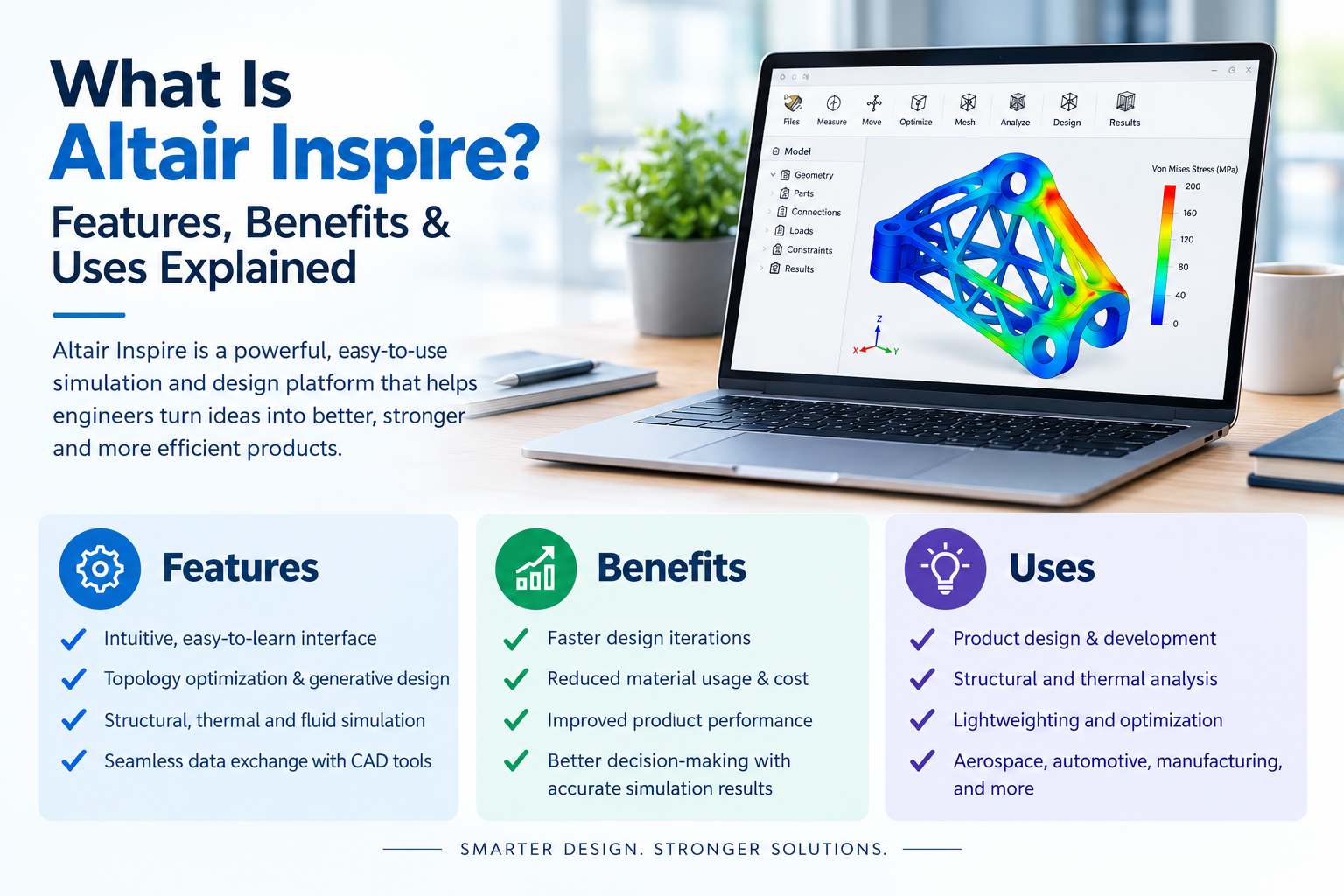
Every engineer knows the pressure: make the part lighter, stronger and cheaper, and do it before the deadline. Altair Inspire is built for exactly that. It helps you shape a design around real loads and real manufacturing limits, before you spend money on prototypes.
Here’s what it is, what it does, and where it fits in your workflow.
What Is Altair Inspire?
Altair Inspire software is a simulation-driven design platform. You use it early in development to create, test and improve concepts. It was originally known as solidThinking Inspire, and it runs on proven Altair solvers such as OptiStruct for structural analysis and MotionSolve for motion.
Traditional CAD shows you what a part looks like. This tool shows you how it will behave, and where it can lose material without losing strength.
It’s aimed at:
- Design engineers who want quick feedback without becoming simulation experts
- CAE analysts who need a fast way to explore concepts
- Product teams working in automotive, aerospace, machinery, consumer products and more
Key Altair Inspire Features
Here are the main Altair Inspire features you’ll use day to day:
- Topology optimization: You set the design space, loads and supports. The software removes material that isn’t carrying load and gives you an efficient shape.
- Structural analysis: Check stress, displacement, factor of safety, modal frequencies and buckling on your own designs.
- Motion analysis: Simulate assemblies with joints, contacts and forces, then pass the resulting loads straight into structural studies.
- PolyNURBS modeling: Turn rough organic shapes into smooth, editable geometry that’s ready for CAD.
- Lattice structures: Fill a volume with light, strong lattices, especially useful for additive manufacturing.
- Manufacturing constraints: Add rules for casting draw direction, extrusion, symmetry, minimum thickness and overhang angles, so the result can actually be made.
- Thermal and fluid studies: Extend your checks beyond structure when heat or flow affects the design.
- CAD interoperability: Import common formats such as STEP, IGES and Parasolid, and work with files from popular CAD tools.
Altair Inspire Generative Design: How It Works
Altair Inspire generative design sounds complex, but the workflow is simple:
- Define the design space: Mark the volume where material is allowed, and keep zones for bolts, bearings or clearances.
- Apply loads and supports: Add forces, pressures, torques and fixed points from real operating conditions.
- Set your goals: Maximize stiffness, minimize mass, or hit a target frequency.
- Add manufacturing rules: Choose casting, machining, extrusion or 3D printing limits.
- Run and compare: Review the material layout, then refine it with PolyNURBS or lattices.
- Validate: Run a structural check on the new shape before it goes anywhere near a CAD or release stage.
Think of a mounting bracket. Start with a solid block, tell the software where it’s bolted and what load it carries, and it returns a lighter, branched shape. Weight often drops significantly while stiffness holds. Exact savings depend on your loads and constraints, so always validate the result.
Altair Inspire for Simulation: Where It Fits
Altair Inspire for simulation is best used up front, when changes are cheap. You can compare concepts in hours instead of waiting for a full analysis cycle.
It doesn’t replace detailed finite element work for final sign-off. Think of it as the step before: it narrows your options so your detailed simulation team spends time on the best candidates, not every idea.
| Stage | What you do | Value you get |
| Concept | Optimize shape from loads | Fewer weak ideas reach detailed design |
| Design | Check stress, motion, modes | Fewer late surprises |
| Manufacturing | Apply casting, extrusion or print rules | Shapes you can actually produce |
| Validation | Verify, then hand off to detailed CAE | Faster, cleaner handoff |
Altair Inspire Applications by Industry
The range of Altair Inspire applications is wide. Common examples include:
- Automotive: Brackets, suspension parts, engine mounts and chassis components where every gram matters.
- Aerospace: Lightweight fittings, ribs and supports designed for strength-to-weight ratio.
- Industrial machinery: Frames, housings and tooling that need stiffness without excess mass.
- Consumer products: Enclosures and structural parts that balance cost, feel and durability.
- Medical devices: Lightweight, precise components, including lattice-based designs for additive manufacturing.
- Energy and heavy equipment: Large structures where material cost and transport weight add up quickly.
Benefits of Altair Inspire Engineering Software
As Altair Inspire engineering software, it gives you practical, measurable advantages:
- Lighter parts: Less material means lower cost, and in vehicles or aircraft, better efficiency.
- Faster iteration: Test many ideas in the time one physical prototype would take.
- Fewer prototypes: Catch weak designs on screen, not on the test bench.
- Better teamwork: Designers and analysts work from the same model and speak the same language.
- Build-ready results: Manufacturing constraints keep the output realistic.
- Lower risk: Early validation cuts expensive rework late in the project.
Technical Points to Keep in Mind
To get reliable results, keep these in mind:
- Your loads and boundary conditions drive everything. Poor inputs give poor shapes.
- Use several load cases, not just one. Real parts rarely see a single force.
- Always treat optimized shapes as concepts. Rebuild them in CAD and verify with detailed analysis.
- Check material properties, especially for additive manufacturing, where results depend on process and orientation.
- Respect non-design regions, such as mating surfaces, threads and seal areas.
How We Can Help
At CJ Tech, we work with engineering teams to get the most out of Altair tools. That means helping you choose the right setup, train your people and apply simulation-driven design to your own products, not just textbook examples. If you’re weighing Altair Inspire for a project, talk to our team and we’ll help you scope it properly. You can also browse our Altair solutions for related simulation and design tools.
Frequently Asked Questions
What is Altair Inspire used for?
It’s used to create lighter, stronger and more manufacturable designs by combining topology optimization, structural analysis and motion simulation early in development.
Is Altair Inspire only for simulation experts?
No. The interface is designed for design engineers, so you can run useful studies without deep analysis training.
Can it work with my existing CAD files?
Yes. It imports common formats, so you can start from your existing geometry.
Does it support 3D printing?
Yes. Overhang limits and lattice tools help you prepare parts for additive manufacturing.
Final Thoughts
If you want lighter parts, fewer prototypes and faster decisions, Altair Inspire is worth a serious look. Start small with one bracket or housing, and you’ll see quickly how much it can change your process. When you’re ready, we’re here to help.