You send a clean assembly to a supplier and get a call an hour later. The holes are gone, the surfaces have gaps, and half the part names have changed. That’s what weak CAD file compatibility looks like in practice. Every system stores geometry its own way, so files drop features, tolerances and annotations when they cross from one platform to another. Neutral formats such as STEP and IGES help, but each one leaves different things behind, and native files still carry the most design intent. A few habits protect your data: pick the right format for the job, validate every import, and keep one controlled master. Engineering data exchange runs much smoother once your team agrees on those rules early. Here’s how it all works, starting with the basics.
What Is CAD Data Interoperability?
Interoperability means a model made in one system opens, reads and works correctly in another, without anyone rebuilding it. You rarely design alone. Your customer uses one CAD package, your supplier a second, your simulation team a third.
A single bracket can pass through five tools before it ships: design, drawing, CAM for machining, analysis and archive. Each hand-off is a chance to lose something.
Why CAD Files Can Lose Data During Transfer
Every CAD system runs on a geometry kernel, the maths engine that builds solids and surfaces. Kernels use different tolerances, so a surface that closes perfectly in one system can show a tiny gap in another. Those gaps sit behind most CAD data translation challenges.
Here’s what usually goes missing:
- Feature history. A neutral file keeps the shape, not the sketches and parametric tree behind it.
- Surface quality. Small gaps stop a set of faces from sewing back into a solid.
- Units. A model in inches read as millimetres comes in 25.4 times too small.
- Annotations. Dimensions, GD&T and notes drop unless the format carries product and manufacturing information (PMI).
- Metadata such as part numbers, materials and revisions, which often live in custom properties.
Picture a sheet metal bracket that arrives as a pile of faces. The bend lines, flat pattern and thickness rules are gone because the file stored shape only.
STEP, IGES and Other Common CAD File Formats
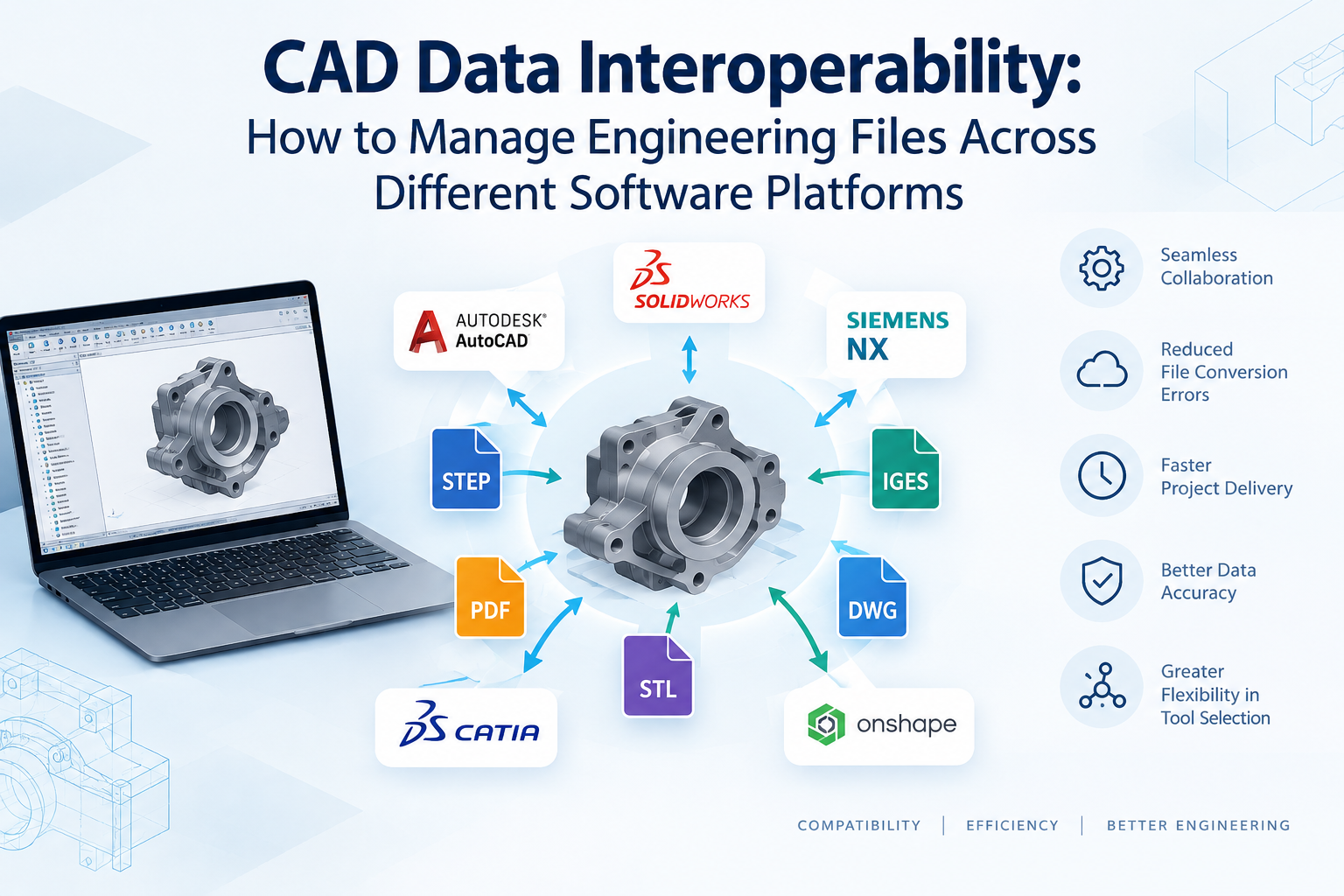
Neutral CAD file formats are standard formats that any system can read, so you don’t need the sender’s software. Which one you pick matters.
The STEP vs IGES file formats question has a short answer. Use STEP for 3D solids and assemblies. Use IGES only when an older system demands it. STEP (ISO 10303) carries solids, assembly structure and colours, and the AP242 protocol adds PMI. IGES dates from the early 1980s, handles surfaces and wireframes well, and hasn’t been revised since version 5.3 in 1996.
| Format | Typical use | Watch for |
| STEP (.step, .stp) | 3D solids, assemblies, long-term exchange | Older application protocols leave out PMI |
| IGES (.igs, .iges) | Legacy systems, surface and wireframe data | Trimmed surfaces that need repair |
| Parasolid (.x_t, .x_b) | Systems built on the Parasolid kernel | Fewer systems read it |
| JT | Lightweight review of large assemblies | Built for viewing, not editing |
| STL | 3D printing and mesh work | Mesh only, no true surfaces |
| DXF / DWG | 2D drawings and flat profiles | Layer and unit mismatches |
Native CAD Files vs Neutral File Formats
A native file, such as one saved in Solidedge CAD, keeps the feature tree, constraints, assembly relationships and custom properties. Open it in the same system and version, and you can edit anything.
A neutral file flips that trade. It opens almost anywhere, but you receive the shape without the history.
- Share neutral files when the receiver only needs to view, measure, machine or analyse.
- Share native files when the receiver must edit the design.
- Keep the native file as your master, always.
Common Challenges in Multi-Platform Engineering Workflows
Cross-platform CAD data exchange gets messy once several teams touch the same model. You’ll recognise these problems:
- A supplier works from last month’s export while you’ve changed the design twice.
- A file saved in a newer software release refuses to open in an older one.
- Assemblies break because referenced parts moved to a different folder.
- Exports of thousands of parts crash or run for hours.
- Nobody knows which file is the master.
- Engineers repair imports by hand, and the fixes never reach the source model.
Simulation teams feel this too. Slivers and tiny faces from a poor translation slow down meshing, so analysts defeature geometry before running it through tools such as Altair.
Best Practices for Maintaining CAD Data Accuracy
- Agree the format, application protocol and software version with every partner before the first file moves.
- Set units and export options once, then save them as a template your whole team uses.
- Check each import against the original. Compare volume, surface area and bounding box. STEP can carry geometric validation properties for exactly this test.
- Run a geometry check for gaps, overlaps and open surfaces, and heal them before the model reaches CAM or analysis.
- Log every translation: who ran it, when, and which format.
- Use one naming and revision rule that survives export.
Small checks save big rework. A two-minute mass comparison catches a unit error before it reaches a machine shop.
How to Choose a CAD Data Exchange Workflow
Start with your partners and your volumes, not the tool. Ask yourself:
- How many CAD platforms do your customers and suppliers use?
- Do receivers need to edit, or only view and machine?
- Must dimensions and GD&T travel with the model?
- Do you need to archive data for ten years or more?
Occasional exchange with a few partners usually works with STEP exports and a validation checklist. Daily exchange across many sites calls for a managed workflow. There, a PLM system holds the master, controls revisions and produces neutral files on demand. Teamcenter PLM handles this for teams that mix several CAD systems.
On the design side, Siemens Solid Edge reads STEP, IGES, JT and Parasolid, and its synchronous technology lets you edit imported geometry that has no feature history.
At CJ Tech, we’ve supported manufacturers across India with Siemens CAD, CAM and PLM for more than 15 years. We start by mapping which systems your partners use and where your files break today. If you want that mapping done for your team, talk to us.