
Your solver queue is full, your workstation fan is running flat out, and the design review is on Thursday. That is when most teams start wondering whether the cloud could take some of the load.
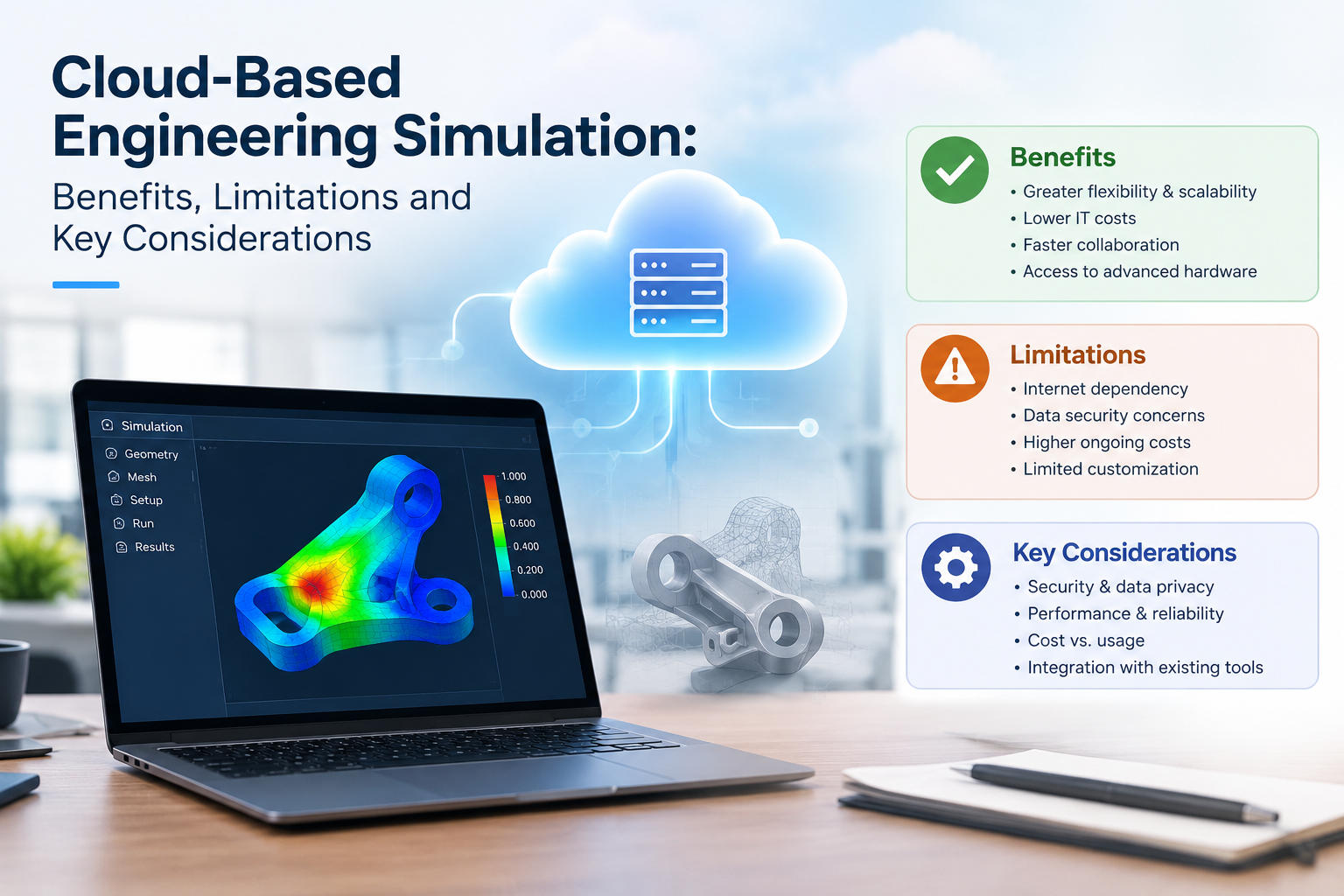
Cloud-based engineering simulation means running your CAE analyses on rented remote machines instead of hardware you own. You get hundreds of cores when you need them, teams in different cities can work from one set of results, and your spending moves from a big upfront purchase to usage-based costs. You also take on new questions about data security, licensing, file transfer times and solver scaling. This guide covers how the setup works, what you gain, where it falls short and how to pick an environment that suits your models. First, a clear definition.
What Is Cloud-Based Engineering Simulation?
It is the practice of solving CAE models on servers run by a cloud provider, then pulling the results back to your desk. You build the model, submit the job, and the remote hardware does the heavy computing.
The software behind it is cloud CAE software: solvers, pre-processors and post-processors that either run on remote infrastructure or send jobs to it from your desktop. Typical analyses include:
- Structural and fatigue checks on brackets, housings and chassis parts
- CFD for airflow around a vehicle body or through a heat exchanger
- Thermal studies on electronics enclosures
- Design of experiments, where you solve dozens of variants side by side
Teams usually pick one of two patterns. Either everything lives in the cloud and you work through a virtual workstation, or you build the model locally and send only the solve. Both count as remote CAE simulation. The difference is how much data crosses your network.
How Cloud Computing Supports CAE Workloads
Most simulation work comes in lumps. Meshing and setup need a good workstation for a few hours. The solve then demands a huge amount of computing for a short while. Post-processing drops back to light use. Cloud computing for engineering simulation suits that shape because you pay for the big burst only while it runs.
Behind the scenes, a scheduler such as Altair PBS Professional or Slurm queues your job and hands it to the nodes. High-performance computing for CAE depends on fast links between those nodes, since a CFD or explicit crash solver splits the mesh into domains that swap boundary data constantly. A slow network between nodes wastes the extra cores you paid for.
A typical job follows this path:
- You mesh the model and define loads and boundary conditions, either locally or on a virtual workstation.
- You upload the input files or open a remote session.
- The scheduler allocates nodes with the memory and core count you asked for.
- The solver runs while you watch residuals or convergence plots.
- You download only the results you need, or review them remotely.
Step 5 matters more than people expect. Result files from a large transient run can reach tens of gigabytes, so a reduced set saves hours.
Scaling is rarely linear. Double the cores and you will not halve the runtime, because communication overhead grows as the mesh gets split into more pieces. The sweet spot depends on your element count and solver, so test a few core counts on one representative model before you commit to a large allocation. If you use Altair solvers such as OptiStruct or RADIOSS, or Siemens Simcenter tools, you can read more about the Altair and Siemens Simcenter portfolios on our site.
Key Benefits of Cloud-Based Simulation
Cloud-based simulation software changes the daily rhythm of an analysis team. Here is what you can expect:
- Shorter turnaround, because you run 20 design variants in parallel instead of queuing them one after another
- No cluster to buy or maintain, which means no racks, cooling, power bills or admin time spent on patching
- Capacity that follows demand: you scale up for a product launch and back down afterwards
- One platform for distributed teams, so a design office in Gurugram and a plant in Pune see the same models and the same solver version
- Local workstations that stay free for modelling while the solve runs elsewhere
Picture a bracket checked under ten load cases and three thicknesses. That is 30 runs. In sequence on one workstation they could take days. Spread across rented nodes, they can finish overnight.
Cloud vs On-Premise Engineering Simulation
The cloud vs on-premise simulation decision rarely has a single answer. It depends on how steady your workload is, how sensitive your data is and how much IT effort you can spare.
| Factor | Cloud | On-premise |
| Upfront cost | Low, pay as you go | High, hardware purchase |
| Running cost | Rises with usage | Fixed: power, cooling, staff |
| Capacity | Scales within hours | Limited to what you own |
| Data control | Shared with the provider | Full control inside your network |
| Setup time | Days | Weeks to months |
| Maintenance | Provider looks after hardware | Your IT team handles it |
| Best fit | Peaky or project-based demand | Steady, heavy, year-round demand |
Numbers settle most of this. If your cluster would stay busy for most of the year, owning it often works out cheaper over three to five years. If you need a big machine a few times a year, renting wins easily. Many teams end up with a hybrid: a modest in-house cluster for daily work and cloud capacity for the peaks.
Data Security and Intellectual Property Considerations
Your geometry, material data and load cases are intellectual property, and often your customers’ property too. Before you upload anything, check these points:
- Whether data is encrypted in transit and at rest
- Where the servers sit, since some OEM contracts and defence or government projects limit where design data can be stored
- Who can open your files, including the provider’s own staff, and how that access is logged
- What happens to your data after a job ends, and how you can confirm it was deleted
- Independent audits: ask for ISO 27001 or SOC 2 reports and actually read them
Contracts matter as much as technology. Your customer NDAs may name specific storage conditions, so have your legal team read the provider’s terms before the first upload.
Hardware, Licensing and Performance Limitations
The cloud is not a magic fix, and a few limits deserve planning before you start.
- Licensing: Renting compute does not include solver licences. Most commercial CAE licences run through a licence server, and many use token or unit systems. Check that your agreement allows cloud use.
- Data movement: Uploading large assemblies and downloading big result files depends on your bandwidth. Slow office internet can erase the speed advantage.
- Interactive work: Meshing and post-processing want a GPU and low latency. A laggy remote desktop gets irritating when you rotate a ten-million-element model.
- Software compatibility: Older in-house scripts, user subroutines and some pre-processors expect a specific operating system or version. Test them before you migrate.
- Cost surprises: A run with a wrong boundary condition still bills for every hour it runs. Stored results and data egress add charges too, so set budget alerts and job time limits from day one.
How to Choose a Cloud Simulation Environment
Start with your own workload, not the provider’s brochure.
- Profile your jobs: Note typical element counts, memory needs, solvers, run times and how many jobs you run each month.
- Pilot with a real model: Run your most typical remote CAE simulation job, not a vendor demo, and compare solve time and total cost with your current setup.
- Confirm software support: Check that the cloud CAE software matches the solver versions and add-ons you use today.
- Settle licensing in writing: Ask how cloud-based simulation software is licensed, who supplies the tokens and what happens when a job runs long.
- Look at the hardware: If your models are large, ask what high-performance computing for CAE capacity is on offer: core counts, memory per core and interconnect speed.
- Review security and support terms: Bring IT and legal in early, and find out who answers when a job fails at 2 a.m.
- Run the numbers: Compare cloud vs on-premise simulation costs over three years, using your real job volumes.
Which Setup Suits Your Team?
Cloud computing for engineering simulation pays off fastest when your demand comes in peaks and your team is spread across locations. If your workload is flat and heavy, an owned cluster may still win.
At CJ Tech, we supply and support Siemens and Altair simulation tools for manufacturers across India, so we often help teams work out which licences and compute setup fit their models. If you would like to test a real model before you decide, see what you can try on our free trial page or contact us and we will talk it through with you.