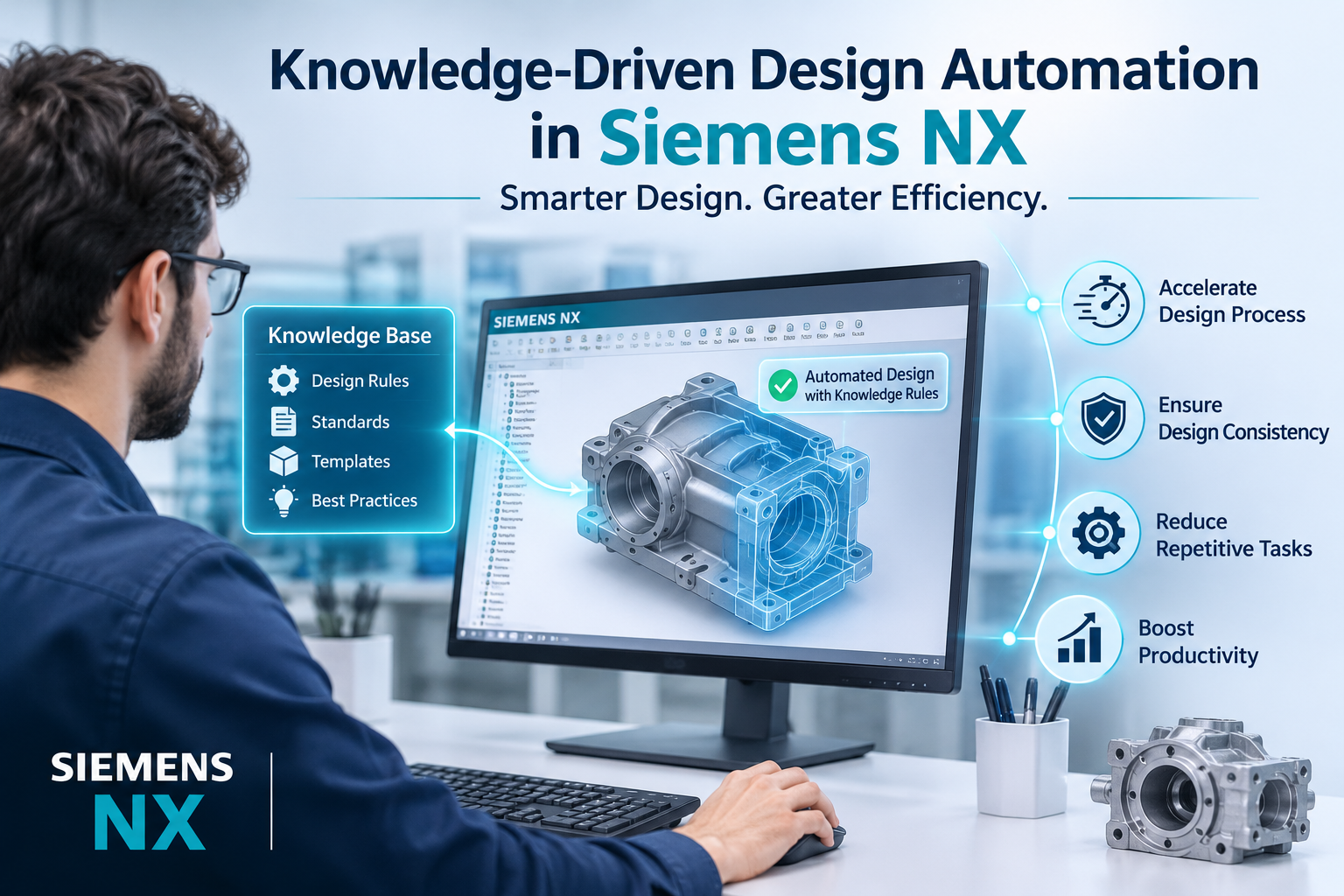
If your team designs the same kind of product again and again with small changes, you know where the hours go. Someone opens an old model, checks a standards sheet, edits a dozen dimensions and hopes nothing breaks. Siemens NX design automation moves that routine into the software. Your rules sit inside the model, NX applies them every time, and your engineers spend their hours on the parts that need judgement. Companies that set this up tend to quote faster and release cleaner drawings. Below, we explain how the idea works, which NX tools carry it and what a first project looks like.
What Knowledge-Driven Design Means
Knowledge-driven design puts your company’s know-how inside the CAD model. Wall thickness for a given load and hole spacing for a given bolt are engineering design rules, and most teams keep them in spreadsheets and senior engineers’ heads. Write them into NX and the model reads its own inputs and builds itself.
Engineering design automation of this kind leaves your designers in charge. The software takes the repeat work off their desks so they can spend time on the exceptions.
Where Manual Design Costs You Time
Manual modelling hurts most when your products come in many variants. You will probably recognise a few of these:
- A changed bore size means someone redraws every mating part by hand.
- Two designers read the same standard and model it two different ways.
- A senior designer retires, and the reasoning behind your designs leaves with them.
The NX Tools That Capture Your Rules
| NX tool | What it does | Example |
| Expressions | Drive dimensions from named values and formulas | Shaft length follows the span input |
| Part Families | Generate size variants from one table | Twenty flange sizes from a single model |
| Knowledge Fusion | Adds rule-based logic to geometry | Stiffening ribs appear only above a span limit |
| Product Template Studio | Wraps a model in a simple input form | A sales engineer enters a load and gets a model |
| NX Open | Python, C#, Java and C++ programming interfaces | Batch-create drawings for 50 parts |
| Check-Mate | Tests models against your standards | Flags hole sizes outside your allowed range |
NX parametric modelling is the base layer, where dimensions depend on each other through named values and formulas. Knowledge Fusion and NX Open add decisions on top, such as adding a rib when the span passes a set limit. Combine the layers and you get automated CAD workflows that take a few inputs and return a finished model and drawing. You can see these tools on our Siemens NX CAD page.
A Practical Example: Automating a Mounting Bracket
Say you build mounting brackets for industrial equipment. Every order arrives with a load, a span and a bolt size. Here is how automated product design handles it:
- Your engineers write the rules once: thickness from load, hole count from span, edge distance from bolt size.
- The rules go into a template with a small input form.
- A designer or sales engineer enters the three values.
- NX builds the 3D model and the drawing.
- Check-Mate flags anything outside your limits before release.
Setup takes real effort. After that, each order can need minutes of input instead of a day of modelling. This example is illustrative; your numbers depend on how complex your products are.
What You Gain
Engineering design automation pays back in several places:
- Quotes move faster, because a variant request can return a concept model within hours.
- Errors drop, since fixed rules and Check-Mate catch problems before a drawing leaves your office.
- Every designer follows the same standard, because the model enforces it.
- Senior people review the exceptions instead of rebuilding routine parts.
Where to Start
Pick one product family that you quote often and whose rules rarely change. Write your engineering design rules in plain language first, with real numbers and limits, before anyone opens NX. Start with NX parametric modelling and a spreadsheet, then add Knowledge Fusion once the basics work. Test the template against past orders where you already know the right answer.
Store templates and released models in Siemens Teamcenter so revisions and approvals follow the same control as the rest of your data. Our guide to model-based definition covers manufacturing notes, and NX CAM picks up from there.
How CJ Tech Helps
CJ Tech is an authorised Siemens Digital Industries Software channel partner, and a Silver partner in India. We have worked with manufacturers for more than 15 years and serve 250+ customers, including MSMEs and large enterprises. Automated product design pays off most when you sell variants of a core product, so we usually begin with a short review of your catalogue. From there we set up the templates, rules and checks in NX and train your designers to maintain them. If you want to try the software first, you can start a free trial.
FAQs
Do I need programming skills to automate design in NX?
Expressions, part families and templates work through menus and spreadsheets, so the basics need no code. Knowledge Fusion and NX Open do need some, and we can write those parts for you.
How long does a first project take?
That depends mostly on how clearly your rules are written down. A well-documented product family is a realistic first target, and we scope the timeline after reviewing your parts.
Can automation handle a fully custom design?
Automation suits repeat variants best. A truly new concept still needs a designer, and the standard portions of it can reuse your rules.
Put Your Rules to Work
Siemens NX design automation pays off when you treat your engineering knowledge as an asset worth building once and reusing. Start with one product family, prove it on past orders and widen from there. Ready to look at your own parts? Talk to our team and we will show you what automated CAD workflows could save in your shop.