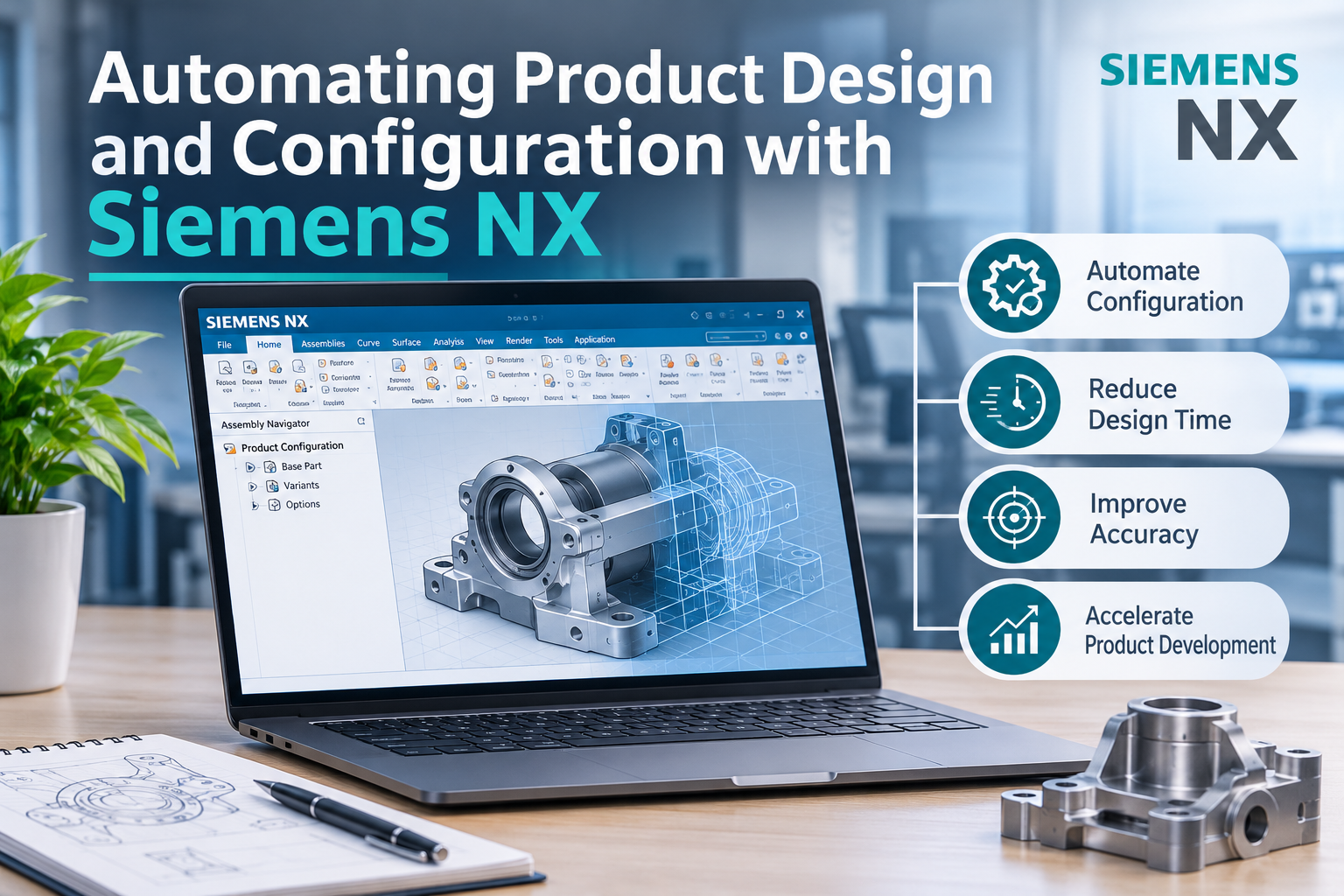
Every custom order starts the same way. An engineer opens last year’s model, changes a few dimensions, rebuilds the drawing and hopes nothing breaks. Repeat that forty times a month and your best people spend their days copying work they’ve already done. Product design automation in Siemens NX ends that loop. One master model, a short set of rules and a tidy variant structure can produce a finished design in minutes. Below, we show how those pieces fit together, what an order form adds, what you gain in quote time and accuracy, and where we suggest you begin.
Why Custom Orders Eat Your Engineering Hours
Picture a conveyor maker. One buyer wants a 4.2 m belt, a side-mounted motor and a stainless frame. Last month’s buyer wanted 3.6 m with a rear motor. The two jobs share most of their geometry, yet each gets its own folder, its own edits and its own review.
That habit costs you in several ways:
- Quotes go out late because someone has to check feasibility by hand.
- A missed hole pattern slips through and shows up on the shop floor.
- Senior designers spend their week on routine edits instead of new products.
- Files multiply, and nobody is sure which copy is current.
How Parametric Product Design Works in NX
In NX, you drive geometry with expressions. Belt length, hole count, wall thickness and motor size become named values instead of fixed sketch dimensions. Change a value and the model rebuilds around it. That is parametric product design at its simplest, and most NX users already do some of it.
Automation goes a step further. You link those values to a spreadsheet, a part family or a template built in Product Template Studio, and a user fills in a short form while NX builds the part. Rules decide what follows. If the belt runs past 5 m, add a middle support. Your engineer writes that logic once, and nobody retypes it.
Building Configurable CAD Models That Hold Up
A model that rebuilds at one length but errors at another is worse than no model at all. Hurried builds cause most of these failures. A few habits prevent them:
- Fully constrain your sketches and keep references inside the part wherever you can.
- Test the model at its smallest and largest values before anyone else touches it.
- Give expressions plain names like belt_length, so a new colleague understands them on day one.
- Keep a single master assembly. Drive options with suppression and arrangements instead of copies.
From Sales Inputs to Automated Product Configuration
This step connects the person taking the order to the model that gets built. A sales engineer, or sometimes the customer, picks options in a form. The values go straight into NX, and the model, drawing and parts list follow.
| What the buyer chooses | What NX produces |
| Belt length and width | Resized frame, belt and rollers |
| Motor position | The right mounting plate and brackets |
| Frame material | Updated material, weight and BOM entries |
| Voltage or region | Matching standard parts and drawing notes |
You still review the output. You just review it instead of building it from scratch.
Keeping Product Variant Management Under Control
Fifty versions of one machine get hard to track quickly. Teamcenter PLM holds the options, the rules that limit them and every revision in one place. Because it works directly with NX, the model your form builds is the same one your purchase and production teams see.
What You Gain
| Area | Before | After |
| Quoting | Engineer checks each request | Rules check feasibility as the form is filled |
| Drawings | Edited for every order | Generated with the model |
| Errors | Caught late, often on the shop floor | Blocked at the point of input |
| Engineer time | Routine edits | New product work |
Automated product configuration also shortens your quote cycle, because the answer to “can we build this?” comes from the rules and not from someone’s memory. Reviews get shorter too. Automated engineering design applies the same checks to every order, so your reviewer looks at exceptions only.
Where We Suggest You Start
CAD design automation pays off fastest on a product you already sell in many sizes. Here is the order we follow at CJ Tech:
- Pick one product family with repeat orders.
- List the inputs that change and the rules that follow from them.
- Build the master model on named expressions, then test it at the extremes.
- Connect a simple input form.
- Bring in Teamcenter once variants start to pile up.
Grow it in small steps. Automated engineering design works best when your team trusts the first model before the tenth gets built. Our specialists can set this up on Siemens NX CAD with you, and you can try the software first through our free trial. If drawings are your other bottleneck, our guide to model-based definition shows a different fix.
FAQs
Is this only for large plants?
No. One product family with repeat orders is enough to justify the effort, and small teams often feel the gain first.
Do we need programmers?
For most setups, no. Expressions, spreadsheets and templates cover a lot. Complex logic may need NX Open or Knowledge Fusion, and we can write that with you.
How does product variant management differ from a configurator?
A configurator collects the choices and builds the design. Variant management keeps track of every result, its options and its revisions.
Will our existing NX models work?
Often they will. We check how they were built first. Models with loose constraints may need cleanup before they can support CAD design automation.
Stop Rebuilding the Same Model
Product design automation doesn’t replace your engineers. It hands back the hours they lose to repeat edits. Start with one family, build properly configurable CAD models and let the rules do the routine work. When you’re ready, contact CJ Tech and we’ll look at your first product together.