
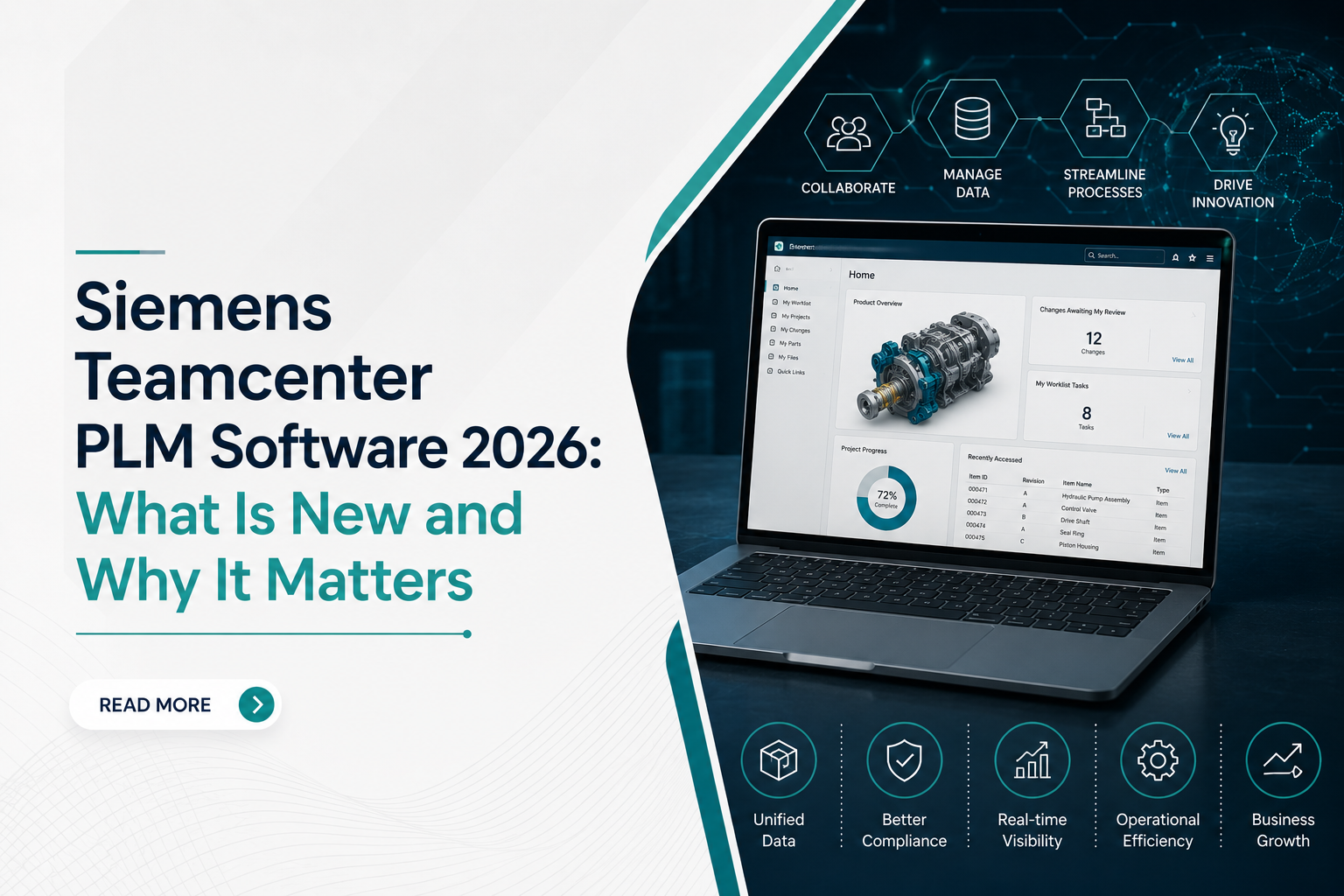
Every morning, a chaotic shop floor looks the same when data is broken. Your machinists stand around waiting for a cleared drawing. Your purchasing team orders raw material based on an outdated bill of materials. Meanwhile, engineering is frantically rewriting a 3D model because someone saved the latest iteration locally instead of sharing it. These are not minor software bugs. They are expensive operational drains that eat your margins.
Fixing this requires more than just better file organization. It requires a system that locks your entire enterprise into a single, unshakeable source of truth. Implementing modern PLM software bridges these gaps, turning daily operational friction into a predictable, highly efficient production pipeline.
At CJ Tech, we deploy these systems for companies facing these exact structural bottlenecks. The newly released 2026 suite from Siemens changes how mid-sized and enterprise manufacturers handle heavy engineering data. Here is what has dropped, why the architecture shifted, and how it directly impacts your production schedule.
Overcoming Production Chaos with Modern Product Lifecycle Management Software
If your team still passes assembly files through shared network drives or corporate emails, you are running on borrowed time. Modern product lifecycle management software acts as the central nervous system for your engineering data, ensuring that a change made by a designer instantly reflects on the shop floor.
The industrial landscape of 2026 leaves no room for documentation lag. Supply chains fluctuate rapidly, compliance audits are stricter, and product variants are multiplying. Relying on legacy data pipelines means you will inevitably manufacture scrap metal. A unified platform eliminates the human error of manual double-entry, giving your procurement and assembly teams absolute certainty that the print they are looking at is the approved revision.
Core Architectural Changes in Siemens PLM Teamcenter 2026
The major leap in this latest release centers on speed and data accessibility. When we configure Siemens PLM Teamcenter for engineering teams, our primary objective is stripping out non-value-added time. Engineers spend too many hours searching for legacy parts; this release introduces heavy upgrades to address that exact waste.
- Geometric AI Search: You can now upload a rough shape or a legacy drawing, and the system finds identical or highly similar components in your database within seconds. This stops engineers from redesigning parts that your company has already manufactured.
- Decoupled Active Workspace UI: The user interface is lighter. It loads large assemblies significantly faster on standard tablets, allowing shop floor supervisors to pull up complex 3D models right at the machine tool without lag.
- Dynamic Data Federation: This allows you to link supplier databases directly into your workflow without forcing them to adopt your entire IT infrastructure.
How Updated Software TeamCenter Modules Fix Broken Change Orders
Engineering change orders usually stall production for days. A simple bracket modification sits in someone’s email inbox because a manager is traveling. The updated Software TeamCenter tools solve this by automating your validation routing.
The software tracks who has the file and moves it automatically based on your shop guidelines. If a change does not alter the external shape of a machine, the system can auto-approve it. This keeps production moving. Your senior engineers stop chasing signatures and focus on actual design work. We customize these approval paths to match your exact shop floor rules.
Hard Metrics: Comparing Past Deployments to the 2026 Release
To see why upgrading your infrastructure makes financial sense, look at how the operational performance shifts when moving from an older environment to the 2026 version.
| Performance Metric | Traditional Data Deployments (2024) | Teamcenter 2026 Infrastructure |
| Large Assembly Loading Time | 4 to 7 minutes for complex files | Under 45 seconds via optimized caching |
| ECO Cycle Duration | Average 12 business days | Reduced to less than 3 days via automated routing |
| Supplier Part Sync | Manual batch uploads every weekend | Real-time secure portal federation |
| User Onboarding Time | 3 weeks of intensive classroom training | Intuitive interface usable within 48 hours |
These numbers translate directly to reduced overhead. Our deployment teams focus on tuning these specific performance vectors so your business sees immediate, measurable output gains.
Moving to the New System Without Production Downtime
Moving thousands of legacy CAD files and historical revisions is stressful. Nobody wants to break existing assemblies or halt a live production run just to change a database. That risk keeps many plant managers stuck using outdated systems.
We handle the migration completely. Our technical staff extracts your historical files, flags duplicate metadata, and maps your exact workflows into the new system. We deploy everything in distinct phases. This keeps your design team working while we construct the new infrastructure in the background.
You get a working, verified pipeline configured for your specific shop constraints, not just a software license download link. If you want to drop your engineering error rates, contact us at CJ Tech. We will look at your current database setup and map out a direct transition plan.
Frequently Asked Questions
How do we stop shop floor operators from manufacturing parts using outdated engineering drawings?
This happens when paper prints or isolated PDFs circulate around the shop floor. By linking your production terminals directly to central PLM software, operators scan a barcode on their routing sheet and pull up the live, certified version of the 3D model. If an engineering change occurs, the system flags the old version instantly, preventing costly machining mistakes.
Why does our internal engineering change process take weeks just for minor component revisions?
Delays occur because legacy tracking relies on manual notifications and emails that get buried. Implementing a modern product lifecycle management software platform automates the approval paths. The system monitors who has the file, sends automated alerts, and escalates bottlenecks to management if an ECO sits idle for more than twenty-four hours.
Can our existing engineering team handle a migration to Siemens PLM Teamcenter without data corruption?
Data migration is high-risk if done without specialized extraction tools. Our technical specialists at CJ Tech handle the entire mapping process, cleansing your metadata and verifying file integrity before anything moves. Deploying Siemens PLM TeamCenter through a structured, audited phase ensures your historical CAD relationships, constraints, and revisions remain completely intact.
What infrastructure upgrades are required to run the newest software teamcenter web client?
The 2026 version runs directly inside standard web browsers. You do not need to buy expensive graphics workstations for your purchasing or quality teams. They access the Software TeamCenter database on their current office laptops, while our team configures your server or cloud setup to handle the heavy processing loads efficiently.